Now at Grand: Pitch Us From Your AI Agent (Claude, Cursor, etc)
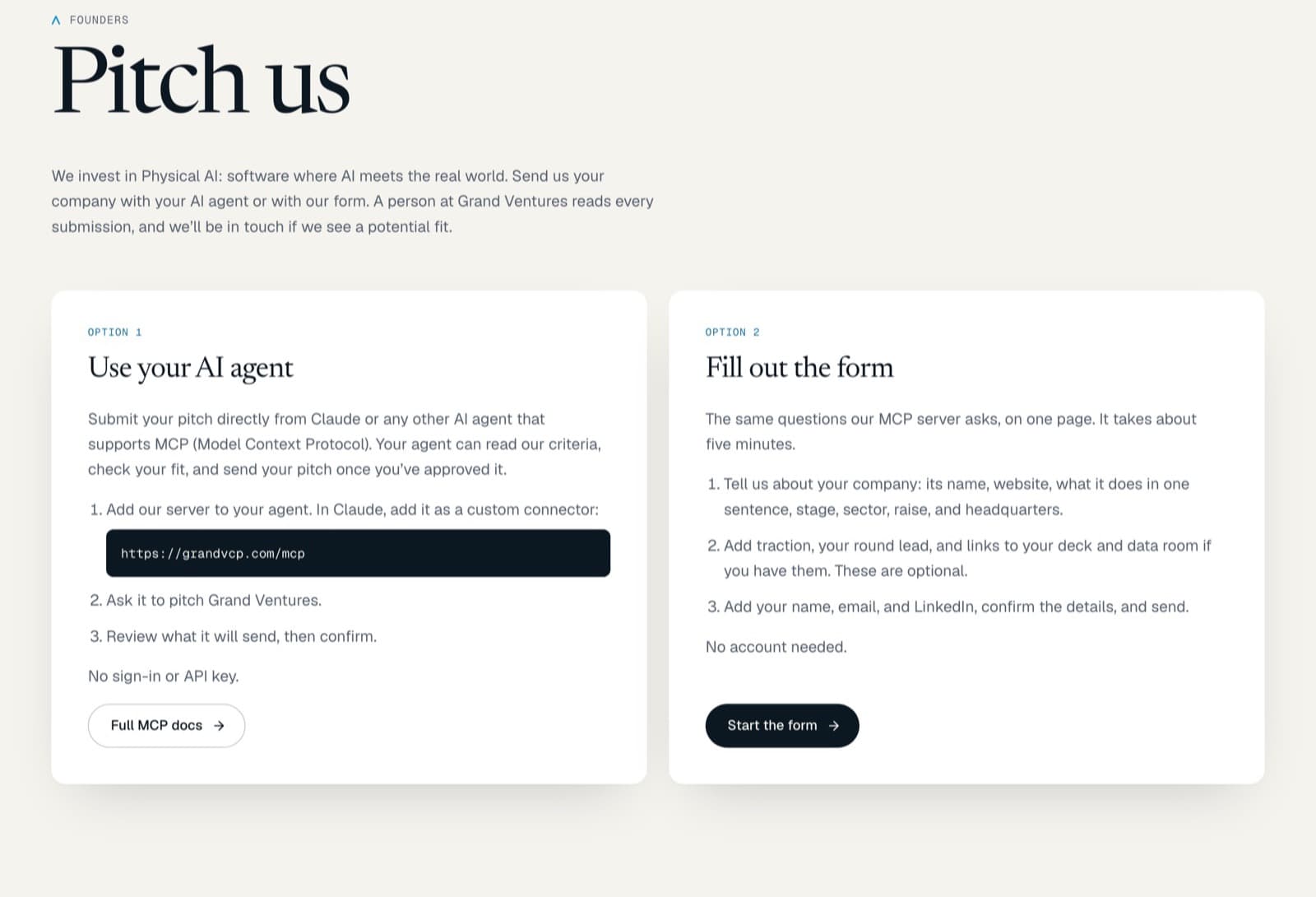
Pitch us from Claude without leaving the tools you work in. Grand Ventures now runs an MCP server that makes that possible.
By: Nathan Owen
Many of the founders we back are deeply technical. More of their day now happens inside an AI agent, whether that’s Claude, Cursor, or an agent running in a terminal. Asking them to leave those tools, find a web form, and retype what their agent already knows is asking them to work our way.
So we built a way to pitch Grand Ventures from inside the agent.
What we built
Grand Ventures runs an MCP server at https://grandvcp.com/mcp (docs). MCP, the Model Context Protocol, is the open standard AI agents use to connect to outside tools and data. Once a founder adds our server, their agent can:
- read our investment criteria: stages, check sizes, where we invest, and sectors
- check fit by sending stage, location, and sector, and getting back fit, partial fit, or not a fit, with reasons
- look through our portfolio, so a founder can spot a conflict before pitching
- submit the pitch
No account to create. No API key.
How to pitch us from Claude
- In Claude, open Settings, then Customize, then Connectors, and choose Add. Add a custom connector, name it something like “Grand Ventures MCP”, and enter
https://grandvcp.com/mcp.
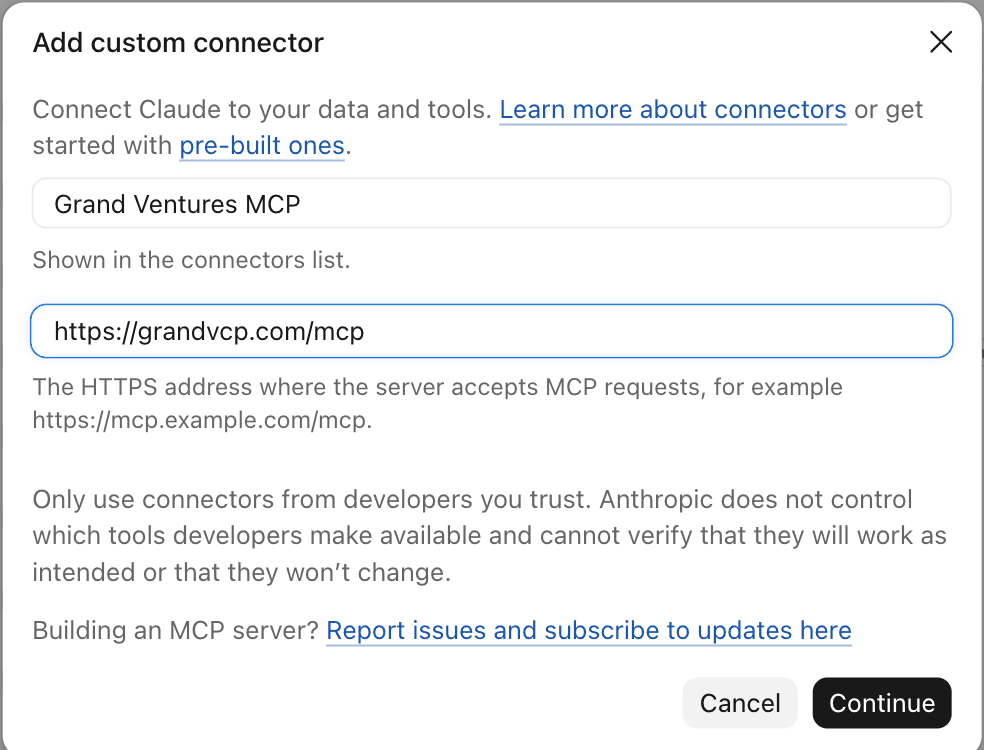
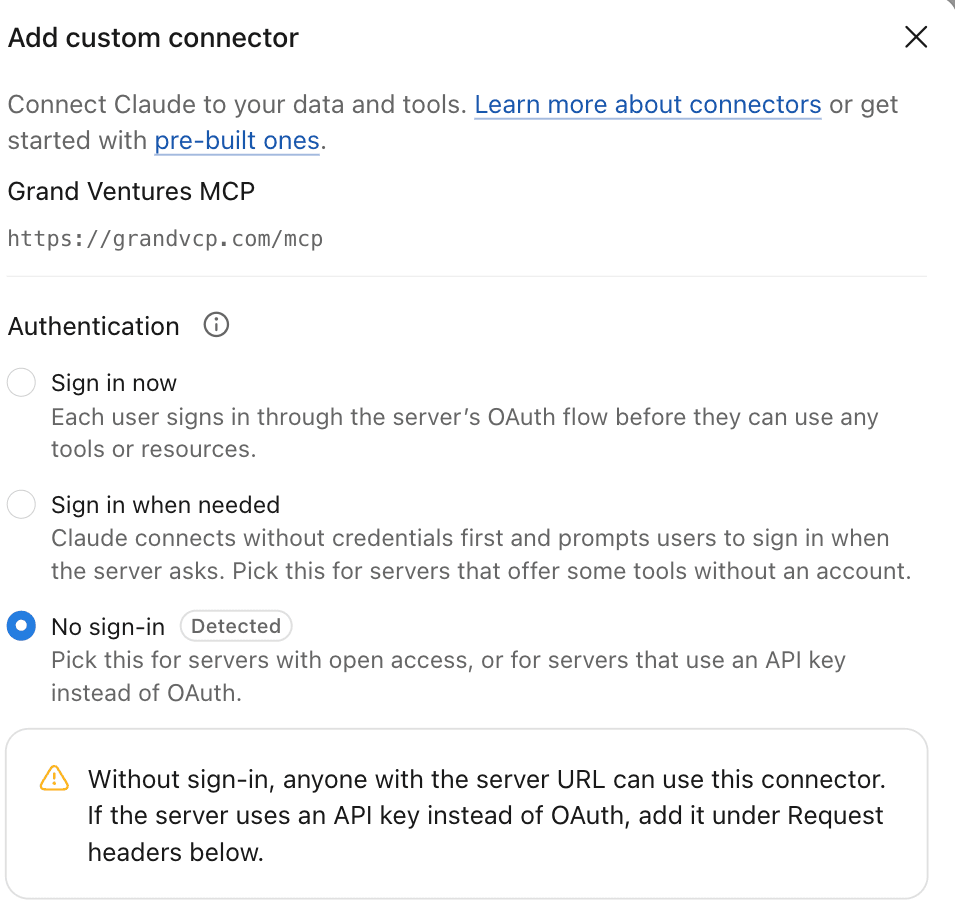
- Claude detects that our server needs no sign-in. Leave “No sign-in” selected and add it.
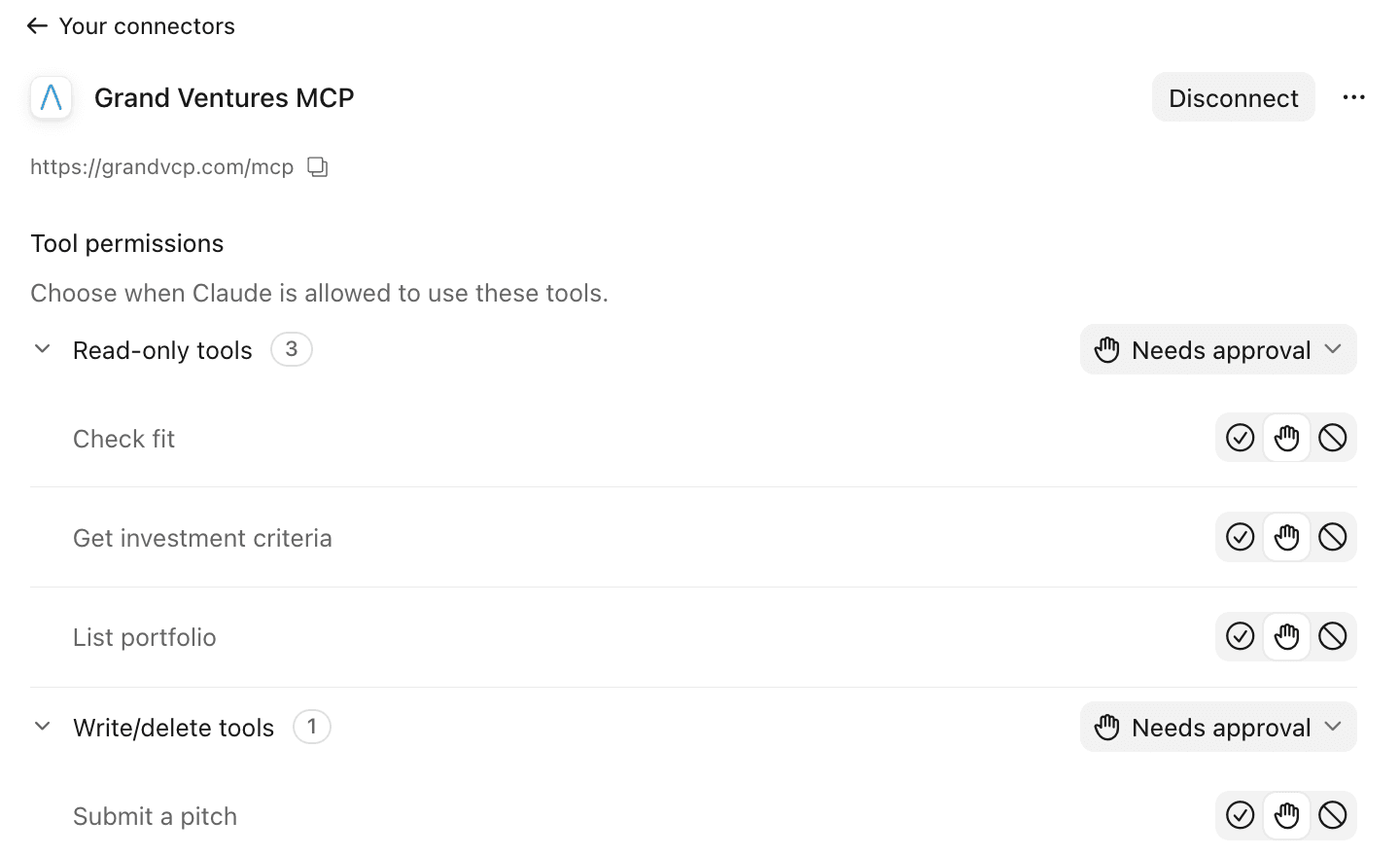
- Four tools appear: three that only read (check fit, get our investment criteria, list our portfolio) and one that sends a pitch. Claude asks your permission before each use unless you change that.
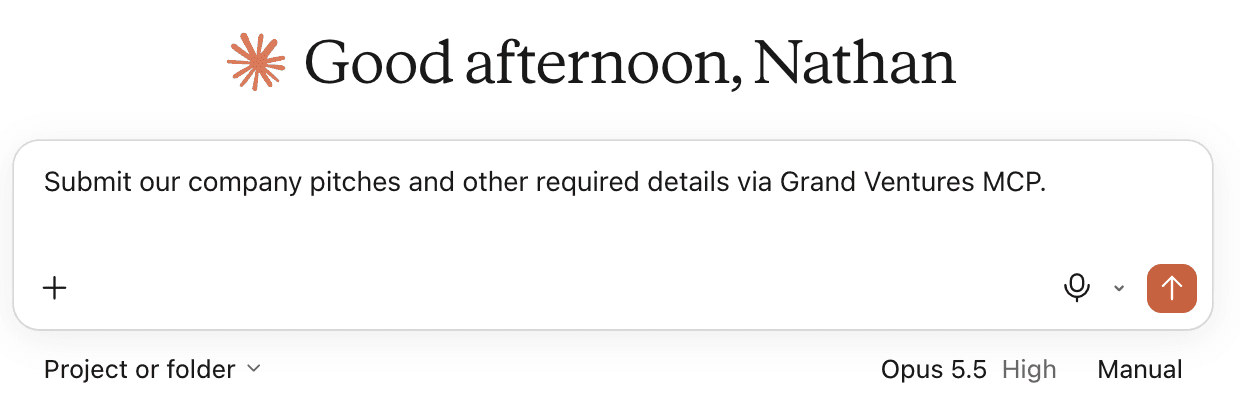
- Ask Claude to pitch Grand Ventures for your company. It gathers what we ask for (company, stage, raise, location, and sector, plus traction and links to your deck and data room if you have them), checks fit, and shows you exactly what it will send. Nothing reaches us until you approve it.
Cursor and other MCP clients work the same way: add https://grandvcp.com/mcp as a server, then ask your agent to pitch Grand Ventures.
What stays human
An agent can put a pitch together. It doesn’t decide anything and it doesn’t send anything on its own. The founder sees the exact submission and confirms it. Our server won’t accept a pitch without that confirmation. On our side, a person at Grand Ventures reads every pitch. If we see a potential fit, we’ll be in touch.
The fit check is deliberately candid. If a company is outside our stage or sectors, the agent says so before anything is sent. That saves the founder a wasted pitch. They can still choose to send it.
If you’d rather not use an agent, the form at grandvcp.com/pitch asks the same questions.
Why we built it
We invest in Physical AI, software where AI meets the real world. We spend our days with founders who build with these tools. Meeting them where they already work is the next step for us.
We also think this is early. As more research, outreach, and introductions run through AI agents, founders will expect investors to be reachable there, with criteria an agent can read and a clear way to submit. We’ve published ours in the open: our criteria as a machine-readable file (investment-criteria.json), an llms.txt that tells AI tools where to find things, and documentation for anyone who wants to see how it works.
Pitch us
If you’re building at pre-seed or seed and think you might be a fit, pitch us from your agent. Start at grandvcp.com/pitch. If you’re technical and curious how we built it, the docs are at grandvcp.com/api-docs.
Grand Ventures team